NSFW Photo to Video AI — Turn One Photo Into a Moving Scene
Turn a still photo into a dynamic AI video with natural motion, camera movement, and consistent visual details. Upload your image, describe what should happen, and let AI bring the scene to life.
Try NSFW Photo to VideoOne Photo In. A Whole Scene in Motion.
Start with a single photo and turn that frozen moment into an AI-generated video. The original subject stays recognizable while the scene gains movement.
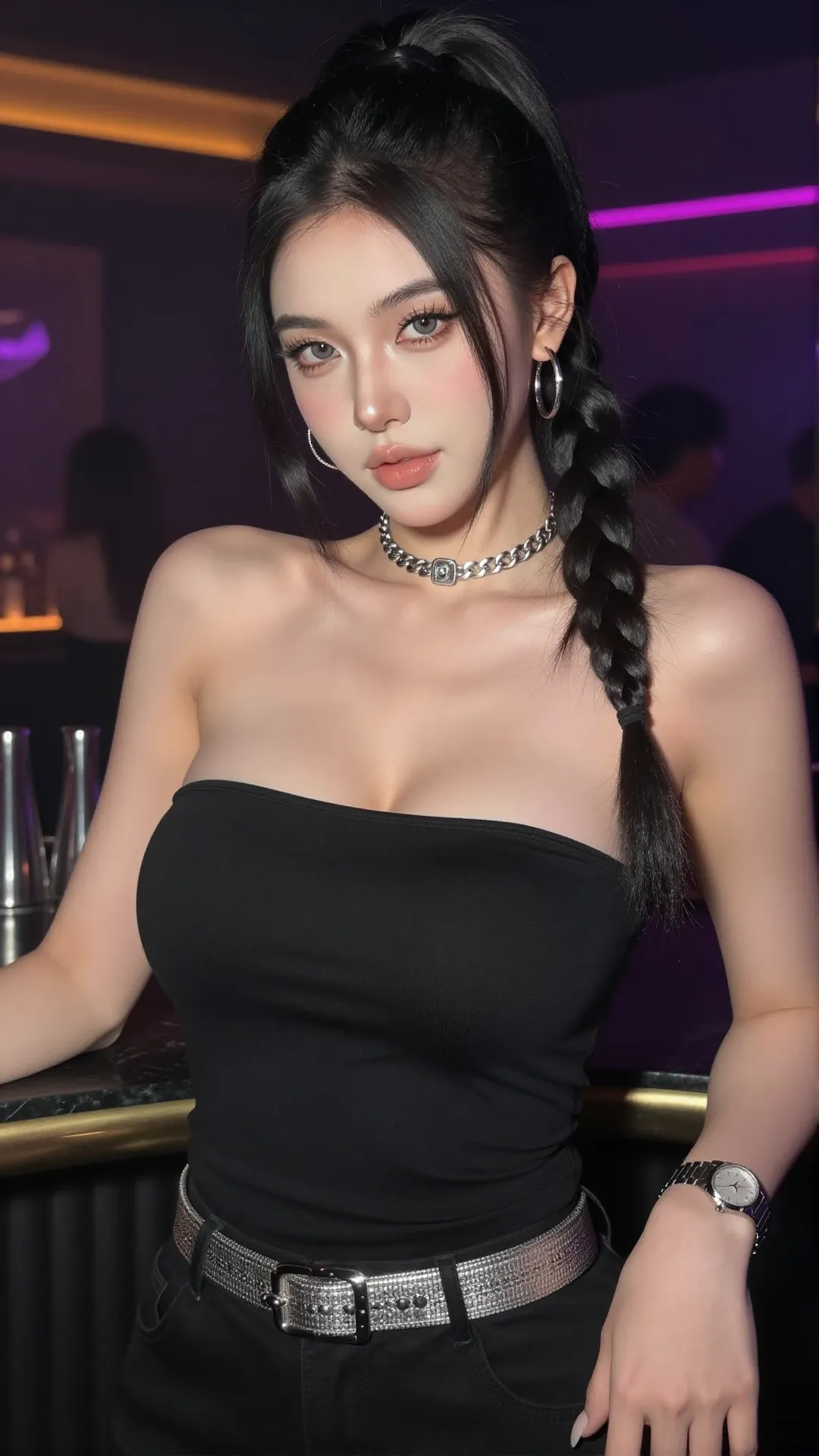
The woman picked up a glass of red wine from nearby and poured it over her body.
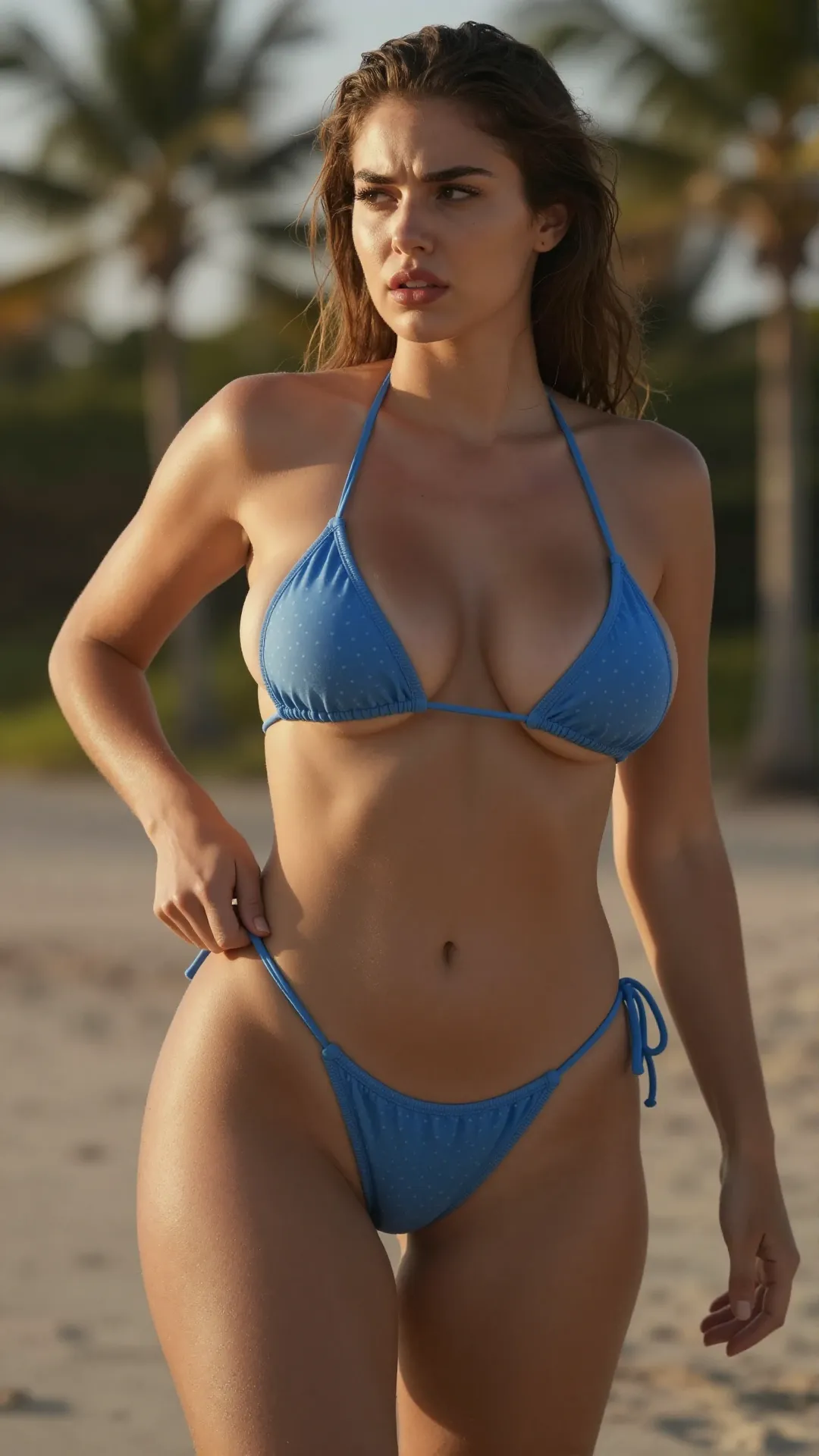
The woman smiles seductively at the camera, placing her hands behind her head and swaying her hips.
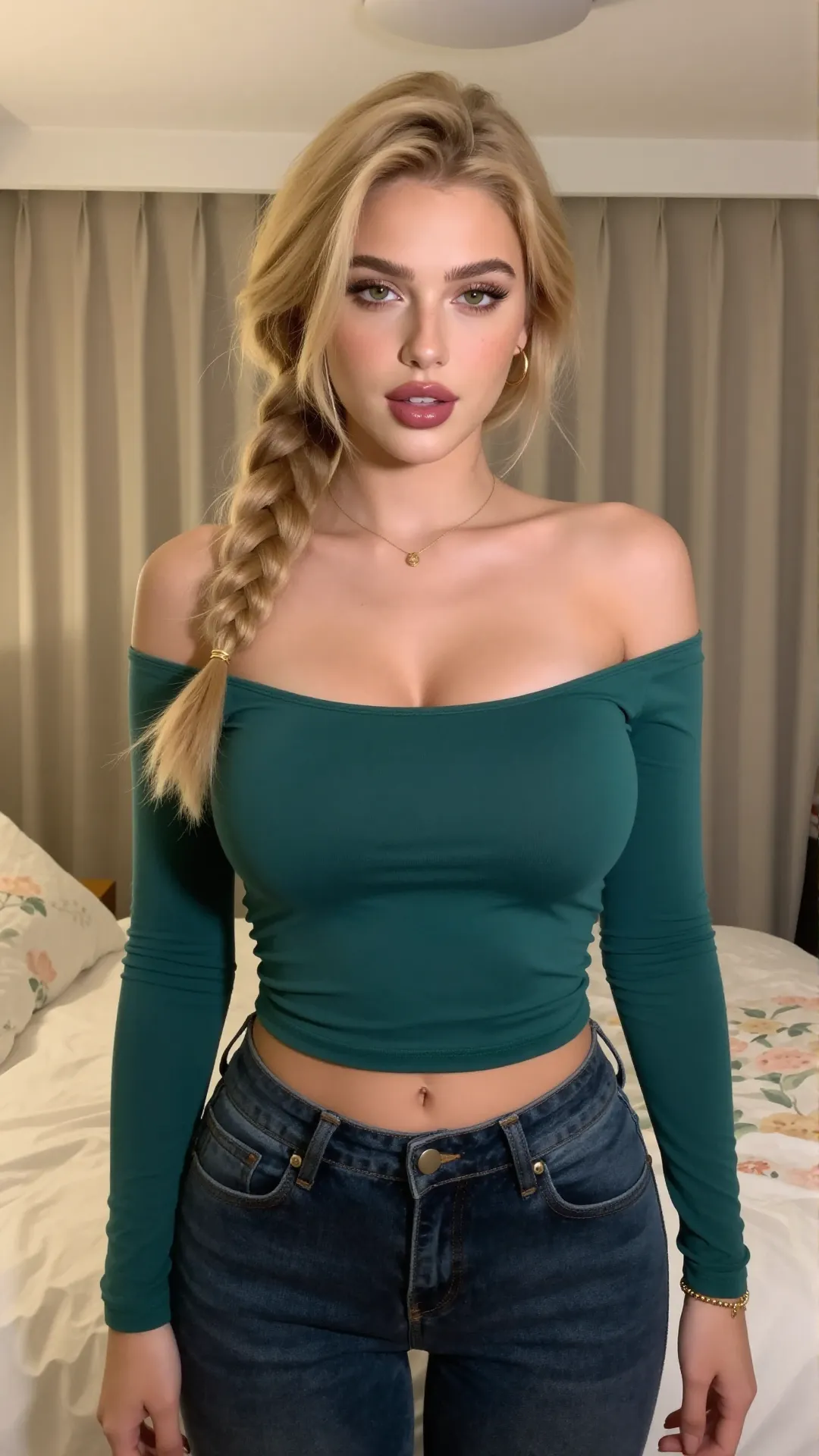
This woman caressing her body while dancing to K-pop.
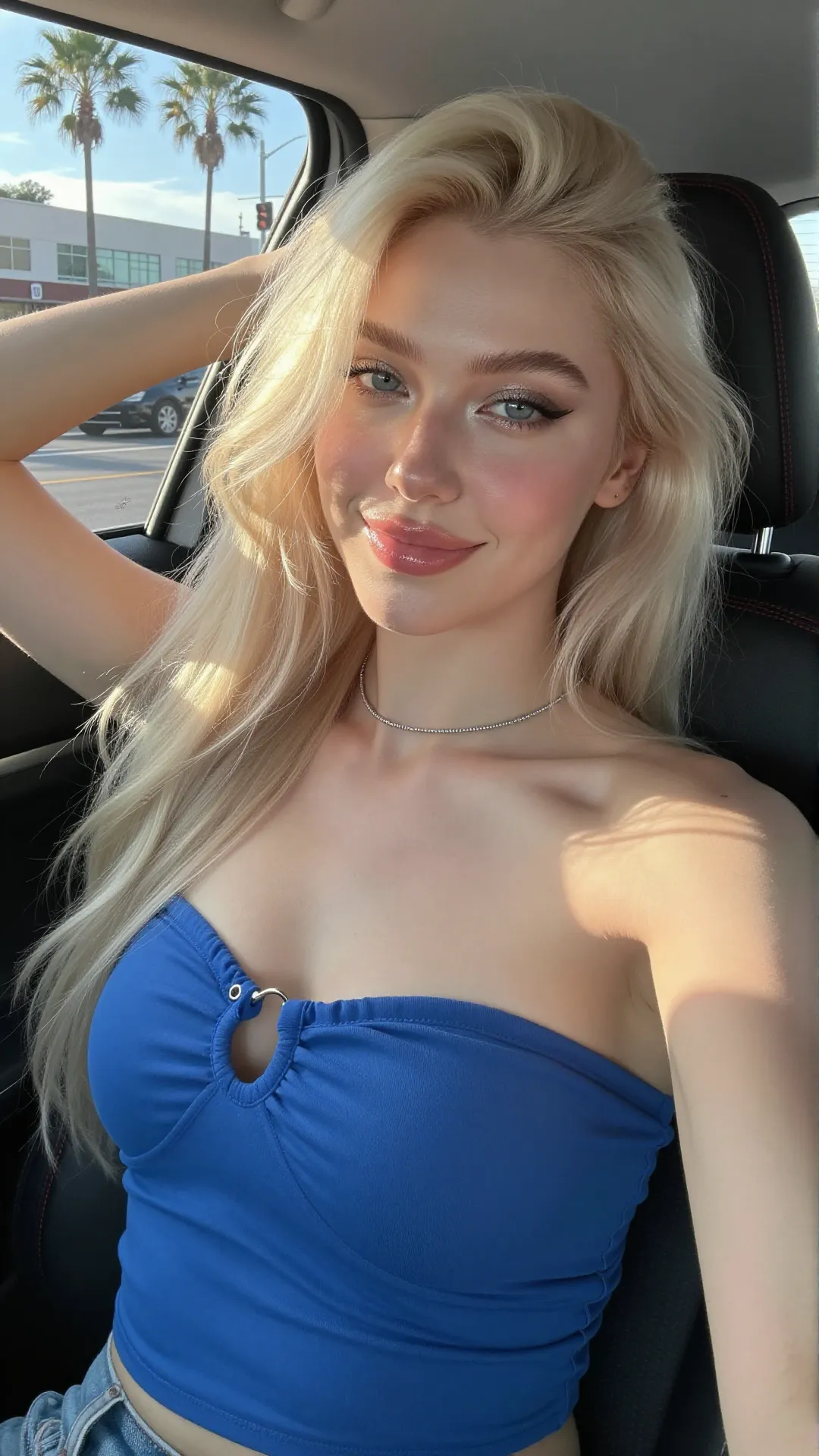
The woman playfully winks, sticks out her tongue, and making a heart shape with her hands.
Give a Still Image Something to Do.
Different motions create completely different videos from the same source photo.
Prompt preview coming soon
Prompt preview coming soon
Prompt preview coming soon
Prompt preview coming soon
Prompt preview coming soon
Prompt preview coming soon
Start With the Photo You Already Have
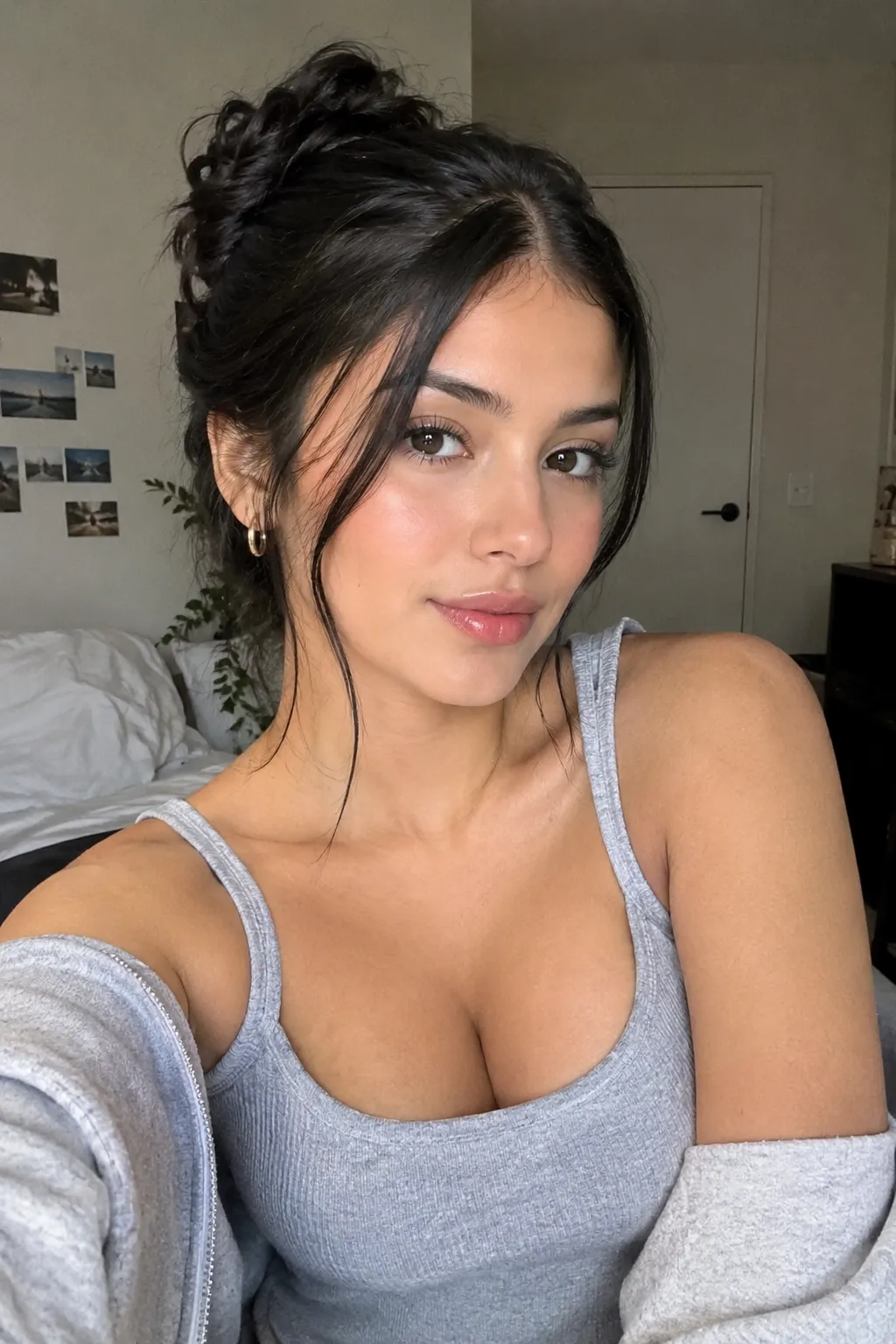
Upload a clear image of your subject and turn it into a dynamic AI video without starting from scratch.
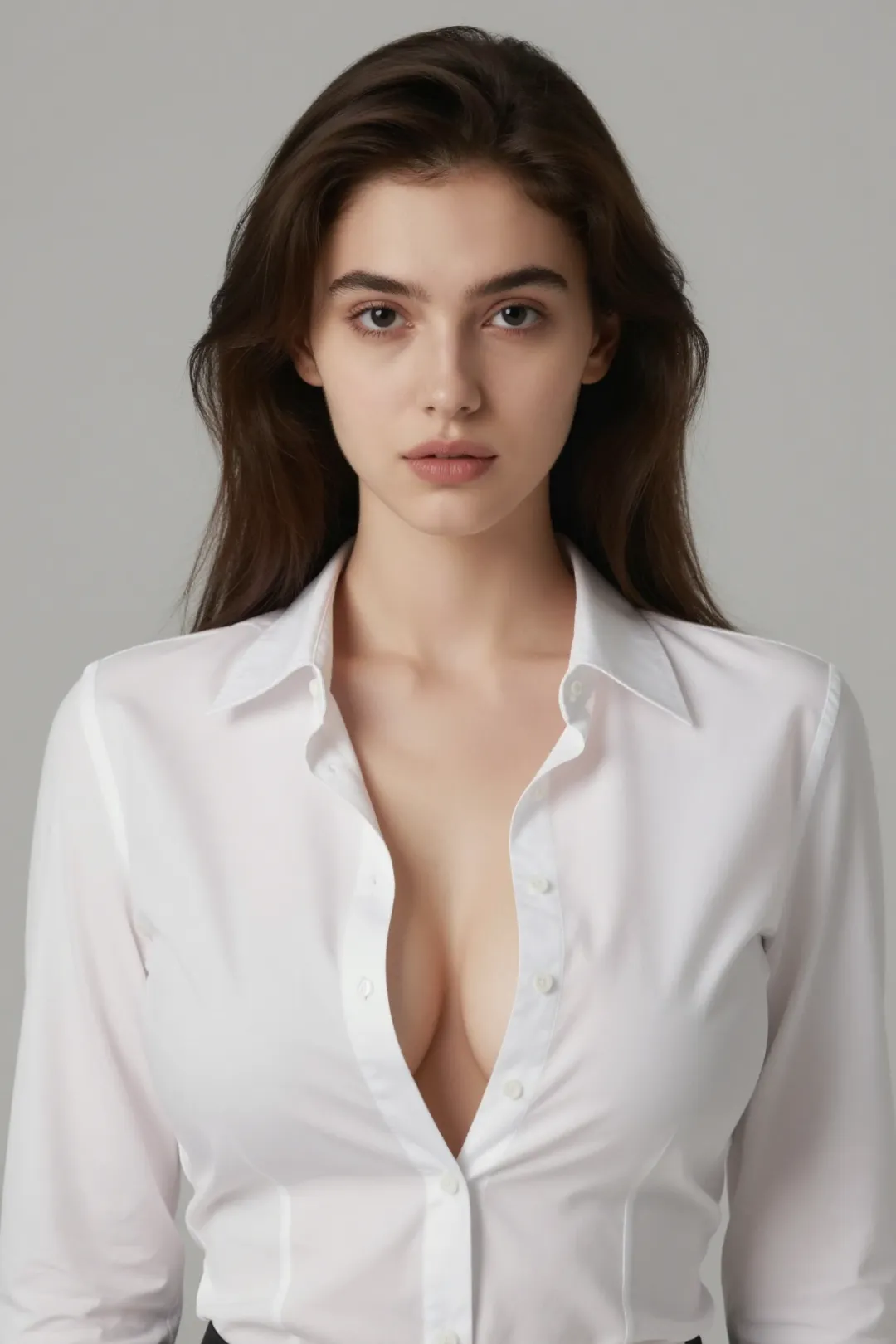
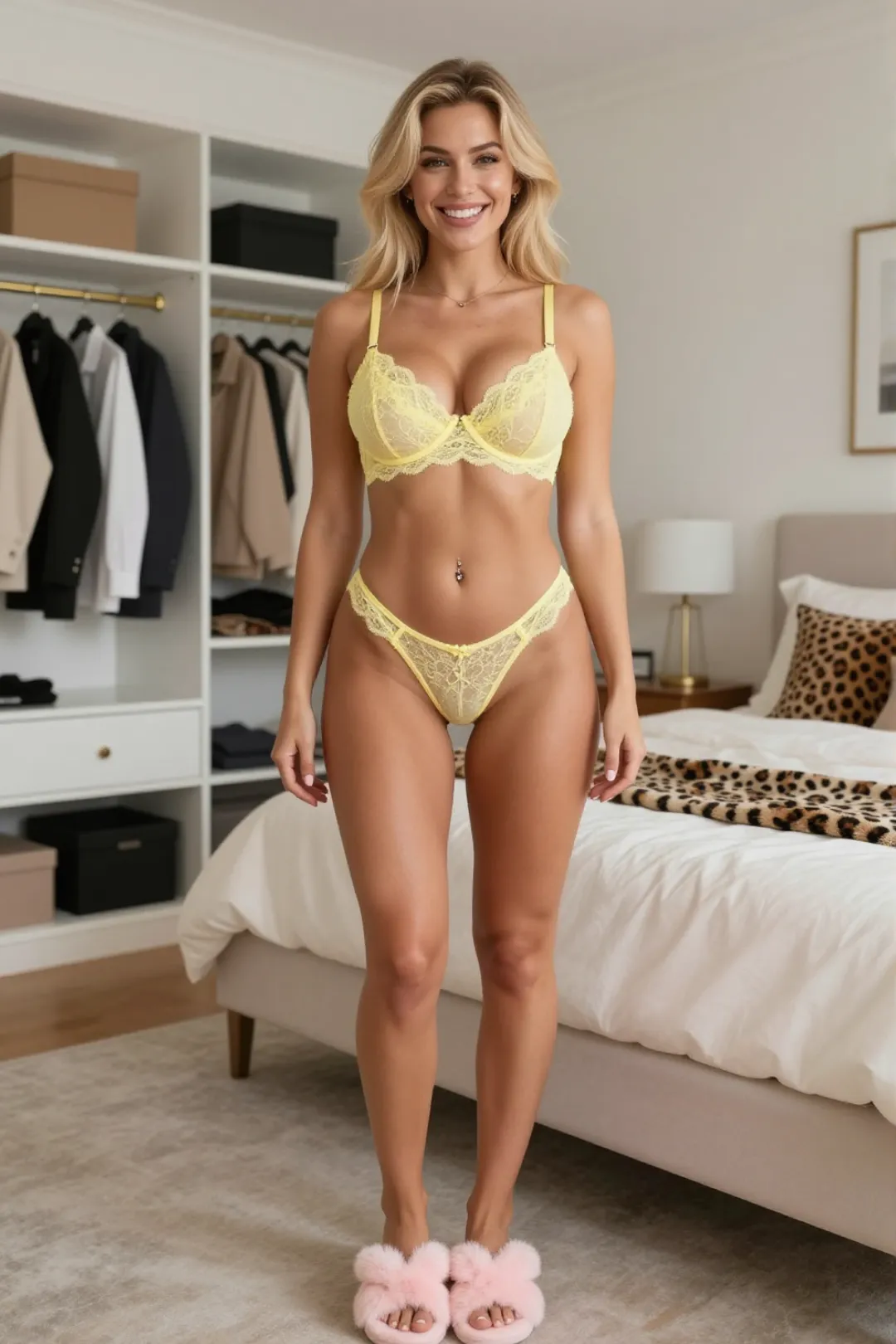
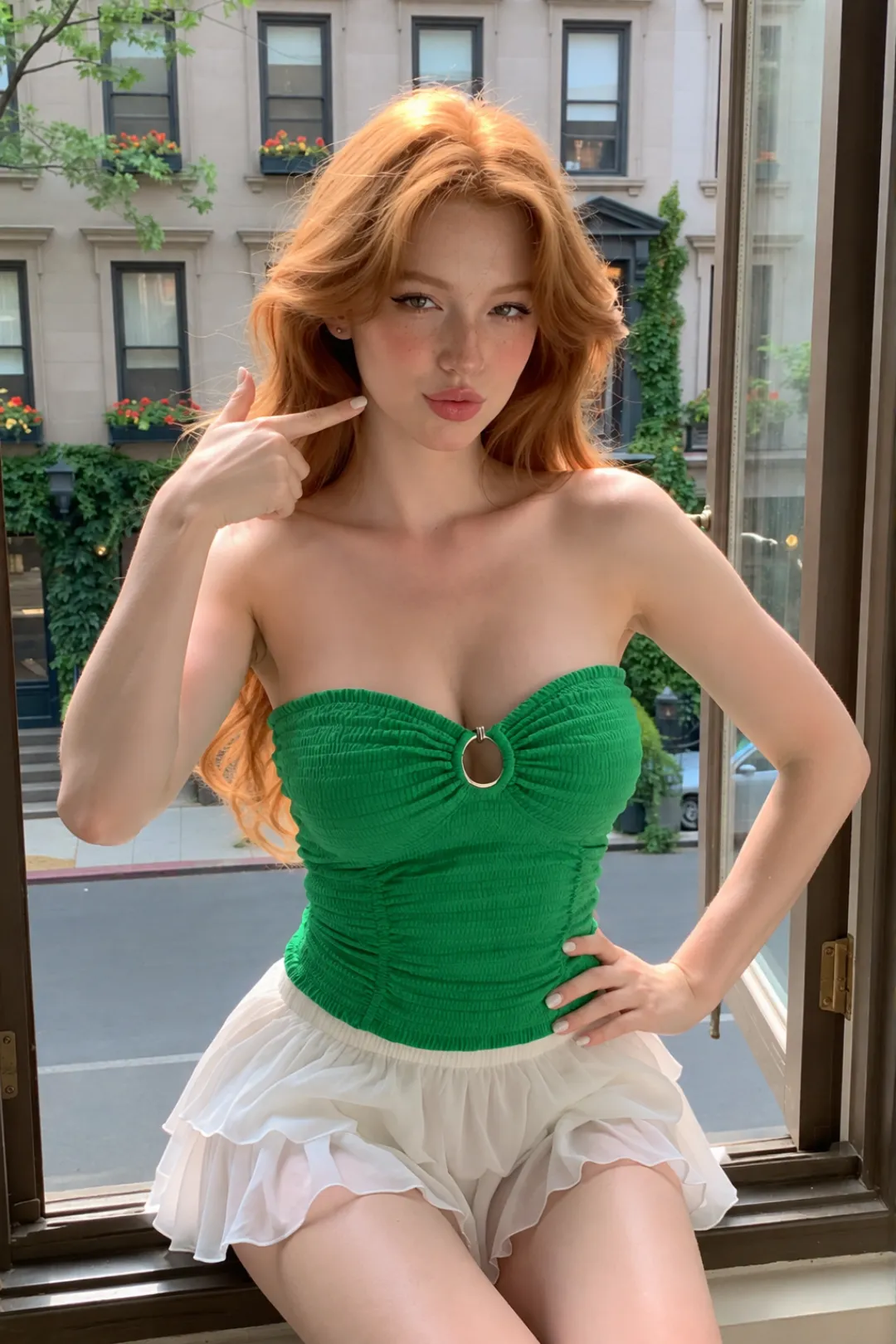
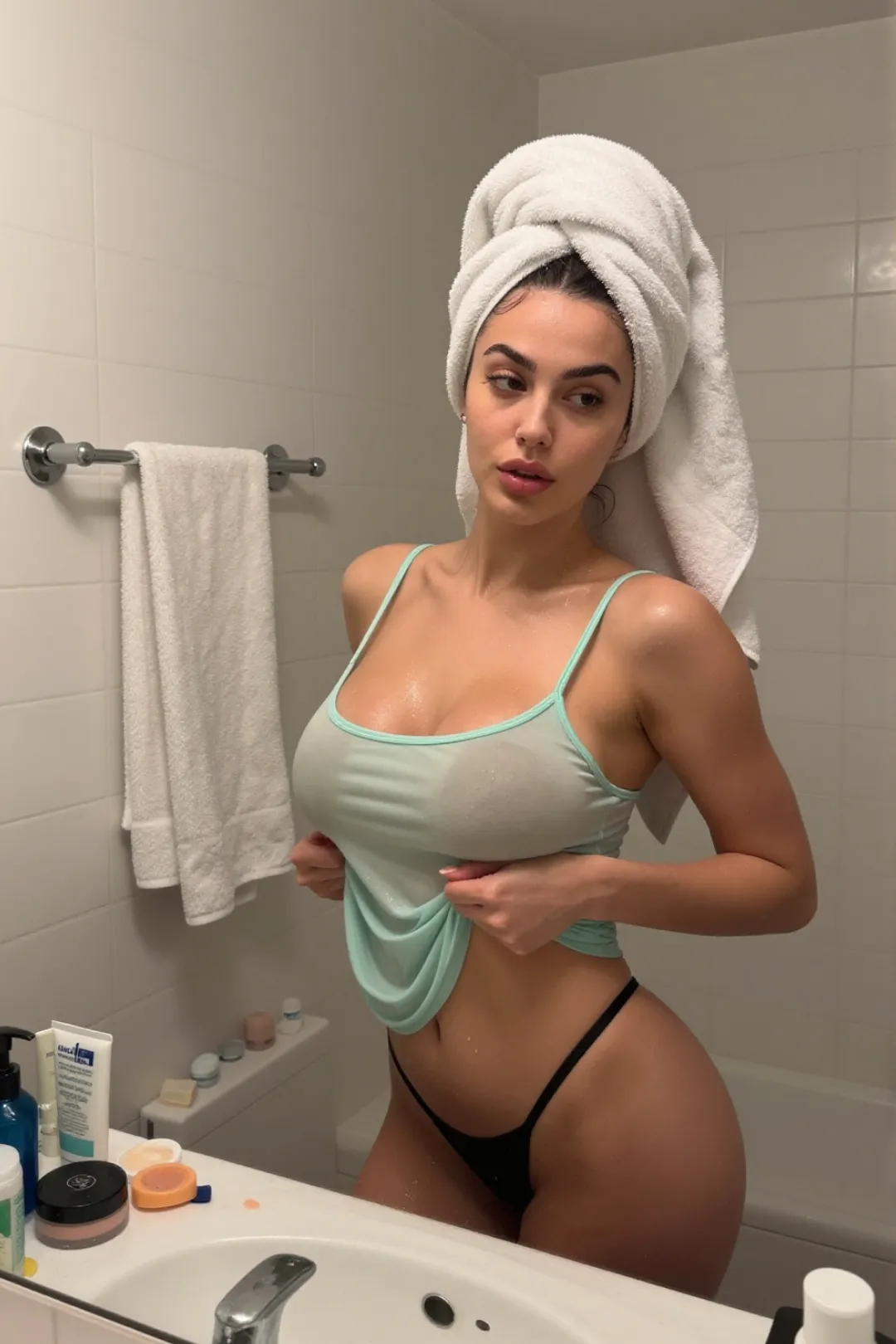
Start with a portrait, full-body photo, or character image and bring it to life with AI.
One Photo. Your Motion.
Use a simple prompt to decide what happens in your video.
Prompt preview coming soon
Prompt preview coming soon
Prompt preview coming soon
Prompt preview coming soon
From One Photo to More Possibilities.
SOURCE CONTROL
Start with the exact photo you want.
MOTION CONTROL
Tell AI how the subject should move.
CAMERA CONTROL
Guide framing, zoom, pan, and movement.
VISUAL CONSISTENCY
Keep the generated sequence visually connected to the source.
Photo to Video AI • NSFW Photo to Video • Pic to Video NSFW • AI Photo Animation