Image to Video AI Porn — Animate Your Upload Into a Full Scene
Upload a still, add a motion prompt, and get a downloadable AI porn video free — no installation, no credit card, built for image-to-video creators.
This page contains NSFW content (18+). Some premium features may redirect to partner sites.
Free Image to Video — No Install, Runs in Your Browser
Upload any adult still and animate it into a downloadable video clip — free to start, uncensored, nothing to install. Write a motion prompt in plain language and the model handles identity lock, camera movement, and pacing across every frame.
Same visual quality, zero local setup — the browser workflow trades node graphs and VRAM management for a direct image-to-video pipeline that runs from any modern browser.
Local ComfyUI / Custom Pipelines
Requires driver installs, model checkpoints, and node configs — CUDA and VRAM troubleshooting on your own hardware.
Each iteration includes queue management, hand-tuned graphs, and manual video exports.
Sharing a local pipeline means packaging entire environments, not sending a URL.
AIGenerated.Porn in the Browser
No install required — sign in and run image-to-video generation from any modern browser.
Clean upload-prompt-generate flow, purpose-built for adult motion — not adapted from a generic demo tool.
Cloud handles all compute; you focus on framing, lighting, and motion prompts rather than drivers or checkpoints.
Six defaults built in: uncensored motion, browser-based with no install, free to start with daily generations, fast turnaround with no queue wait, longer clips with audio, and a direct upload-plus-prompt flow.
No filter softening adult motion — describe the action and camera move in plain language and the output follows.
Online, No Install
Runs fully in your browser — no drivers, no checkpoint downloads, no local VRAM required.
Free to Start
Core generation is free with a generous daily allowance — no credit card required to begin.
Fast Generation, No Wait
Most outputs are ready in under two minutes — no render queue, no GPU setup required.
Longer Clips with Audio Generation
Unlock longer video output with audio generation — push beyond the default 5-second preview when you want a complete downloadable scene with sound.
Upload + Prompt
One image anchor, one motion prompt — no node graph, no timeline editor.
Motion Quality in Image-to-Video Generation
What makes image-to-video output actually usable: identity lock across frames, prompt-driven camera control, clean motion with no smear artifacts, and fast turnaround for prompt iteration.
Identity That Tracks Your Frame
Faces, body shape, and key visual features stay anchored to the uploaded source image across every frame of the generated video. The model treats your still as a continuous identity reference rather than a one-time seed — so the animated output reads as a natural extension of the original, not a randomized resample. This matters most for adult content where subject consistency is the difference between a usable scene and a broken one. Upload a clear, well-lit image and identity lock carries through the full clip.
Prompts Steer Pose and Camera
The motion prompt is a direct instruction layer for pose, camera movement, and pacing — not a suggestion the model is free to ignore. Use camera verbs like dolly-in, pan left, or handheld close-up alongside body movement descriptions, and the model maps those instructions onto the source frame. Vague adjectives produce vague motion; specific verbs produce specific results. This makes the image-to-video pipeline behave more like directing a shot than hoping the AI guesses your intent.
Readable Motion, Benchmark Feel
Generated frames stay sharp across the full clip — no inter-frame smear, no flicker on skin or fabric detail. Inference is tuned for short prompt loops, so you can review and rerun without long waits between iterations. Visual fidelity targets the same output class as current top-tier video models, with no local setup required. The result is motion that reads as intentional rather than interpolated.
Image to Video Examples — Real Prompts, Real Outputs
Browse real image-to-video outputs alongside the motion prompts that produced them — use these as starting points, or copy the prompts directly to test with your own source image.
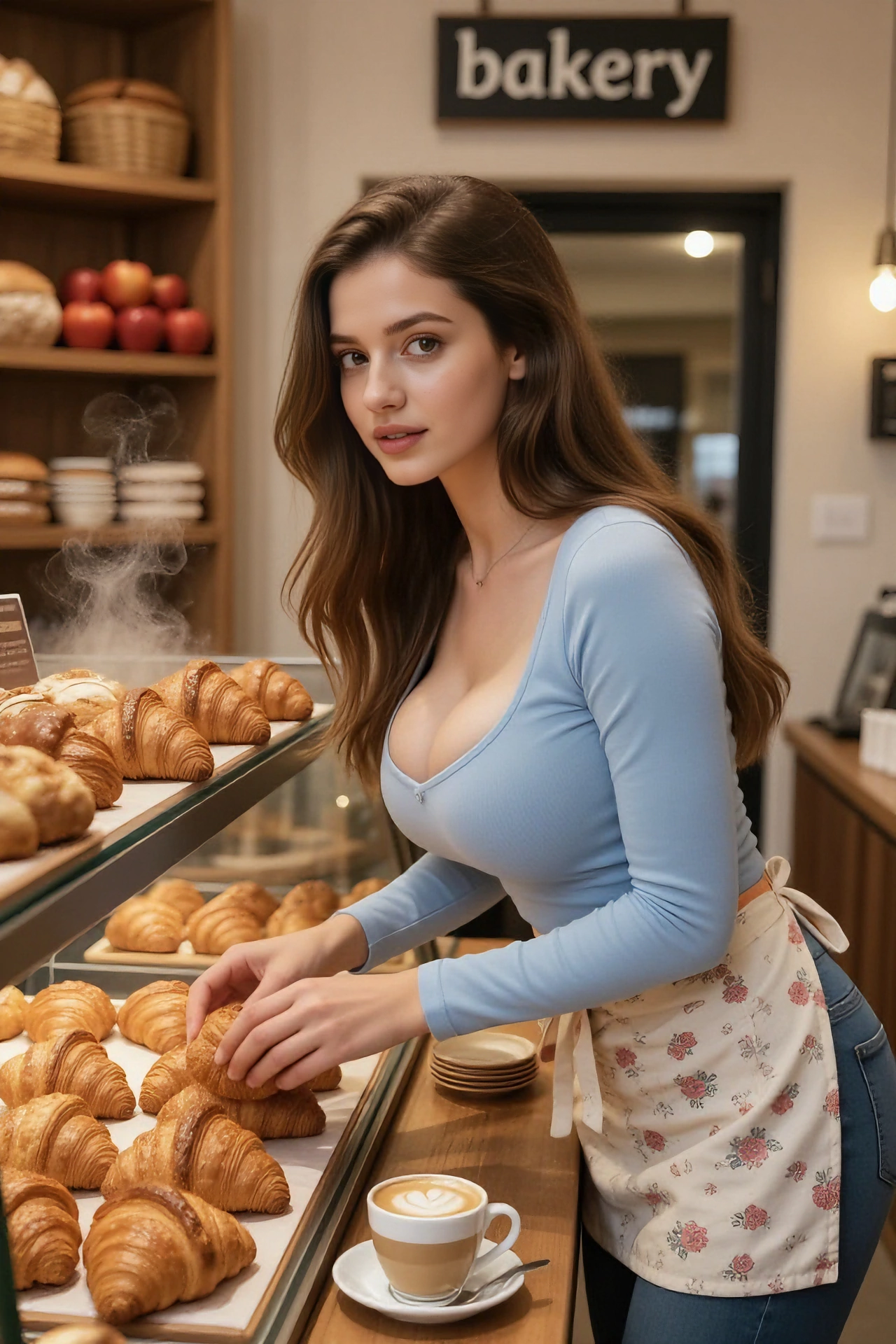
Image
Video
Prompt:The woman picked up a piece of bread, took a bite, and jumped up lightly, delighted, her chest bouncing.
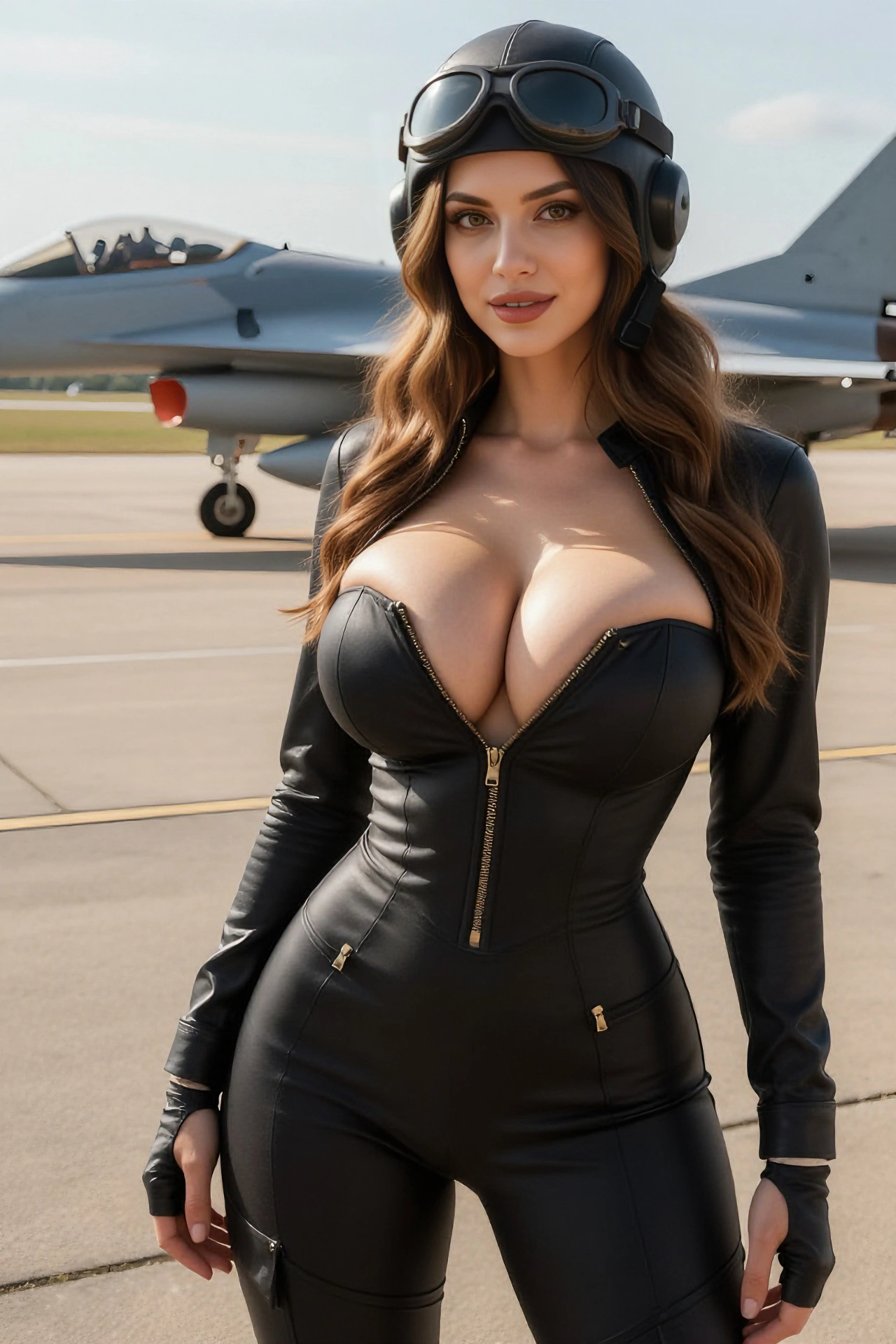
Image
Video
Prompt:The woman held the zipper with one hand, then leaned over and stuck out her tongue and winked at the camera.
How to Get Better Image-to-Video Results
Sharp source images and specific motion prompts are the two biggest factors in output quality. Name camera verbs, body movement, and pacing — not vague adjectives.
Image Upload Tips for Better Motion Output
Prefer clear subject separation: busy backgrounds steal motion budget from faces and hands.
Sharp eyes and hands help the model track micro-expression — blurrier references work but need gentler motion verbs.
Match aspect ratio to your intended crop so you are not fighting letterboxing inside the player.
If you are chaining from the image generator on this site, export your preferred still before switching here — identity locks carry over to the image-to-video pipeline cleanly.
Copy-Ready Motion Starters
Handheld close-up, slow breathing, collarbone catchlight, shallow depth of field.