Start With the Result You Want
Before choosing a model, decide what you want the final image to look like.
Are you trying to create realistic adult characters? Stylized characters? A consistent fictional character? A particular visual aesthetic? These goals can lead you toward very different models.
A model that produces highly realistic portraits may not suit a heavily stylized workflow. Likewise, a model that looks great in a single portrait may not be the right option if you want the same fictional character across multiple images.
Instead of asking “Which Civitai Red model is the best?”, ask “What kind of result am I trying to create?” That gives you a much more useful starting point.
What do you want to create?
Realistic
Photographic skin, light and anatomy
Stylized
Anime, illustration or painterly looks
Character
One fictional character across many images
Cinematic
Mood, framing and lighting that tell a scene
Understand Models and LoRAs Before You Choose
The next step is understanding the difference between a model and a LoRA.
A base model, usually a checkpoint, provides the foundation of the generation. It shapes the overall visual character and the kinds of images you can create. A LoRA adds a more specific influence on top of that foundation.
Base Model
Overall visual foundation
Character LoRA
Character identity
Style LoRA
Visual style
Prompt
Scene and creative direction
Image
The generated result
Civitai hosts several kinds of trained resources, including checkpoints, LoRAs, textual inversions and other resource types. A single model page can list multiple versions, each with its own files and base-model information.
This matters because a LoRA is not designed to work equally well with every base model. Civitai's own guide to using models puts it plainly: you can use a LoRA with any model, but it is usually trained on a specific model and performs best on that model or a derivative of it.
So when you find a LoRA you like, don't just ask “Does this look good?” Also ask “Is this compatible with the model I want to use?”
Don't Choose a Model From the Thumbnail Alone
A model's sample image is usually the first thing you notice. It should not be the only thing you evaluate.
A polished image can be the result of much more than the base model. It may rely on a specific LoRA, a carefully written prompt, particular settings or a reference image. That's why it is worth looking at the information behind the examples.
Check things such as:
- Model version
- Base model
- Prompt
- LoRAs used
- Generation settings
- Resolution
- Creator recommendations
- Multiple sample images
On Civitai, image pages often show generation data, such as the prompt, the resources used and the settings, when the creator chooses to share it. Not every image includes it, and knowing that data is missing is useful too.
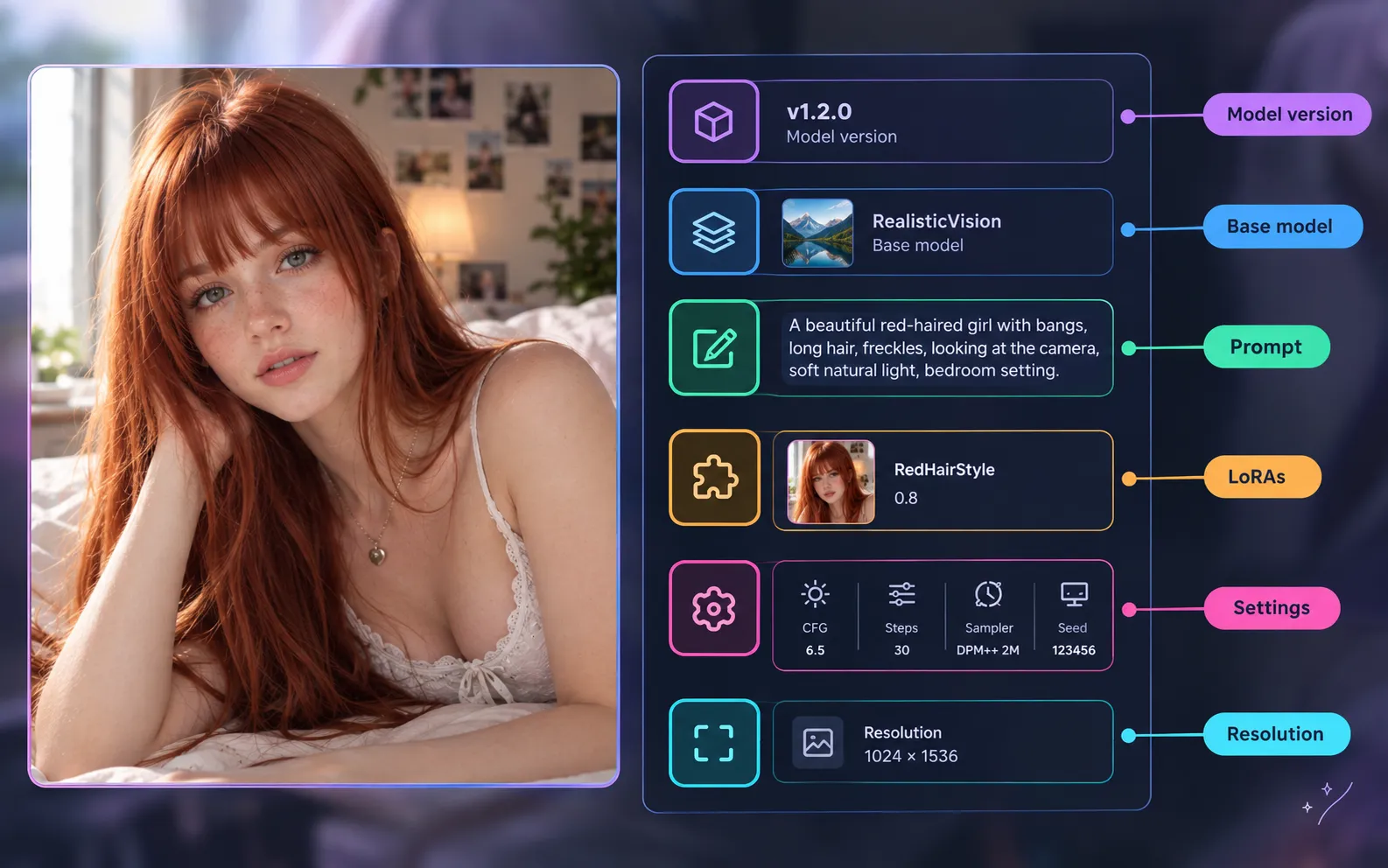
A thumbnail shows you what a model can produce. The generation information helps you understand how that result was produced, and that distinction can save you a lot of trial and error.
How to Choose Civitai Red Models for NSFW AI
For NSFW AI generation, the right model depends on the type of content you want to create and how consistently it can produce that result. Look for consistency in the qualities that matter to your workflow.
Realistic adult characters
Pay attention to:
- Facial detail
- Skin rendering
- Hair
- Body proportions
- Hands
- Lighting
- Clothing details
- Backgrounds
Stylized or anime-inspired models
The priorities shift. You may care more about:
- Visual style
- Character design
- Expressions
- Colors
- Consistency between generations
Recurring fictional characters
If you want the same character across a series, consistency becomes the main test. A model that produces one impressive image is not necessarily the right choice for a series. Look through several examples and check whether the face, body type and styling hold up. No model guarantees this on its own, so treat it as something you verify across many images.
Ask yourself: does this model repeatedly produce the kind of images I want? That is a much better test than picking the most impressive thumbnail.
How to Choose the Right LoRA
Once you have a suitable base model, a Civitai Red LoRA can push the generation in a more specific direction. The easiest way to choose one is to ask what is missing from your current result.
- Character LoRA
- Use it when you want to introduce a particular fictional character.
- Style LoRA
- Use it when the character already looks right but the overall aesthetic needs to change.
- Concept LoRA
- Use it for specific concepts, clothing or visual characteristics.
The key is to give each LoRA a clear purpose. A simple workflow looks like this:
Base Model → Character or Style LoRA → Prompt → Generated Image
You don't need to add several LoRAs at once. Starting with one compatible LoRA makes it much easier to see how it affects the result. The same Civitai guide also notes that the default LoRA weight of 1 is usually too high, so try a lower weight before you give up on a LoRA.
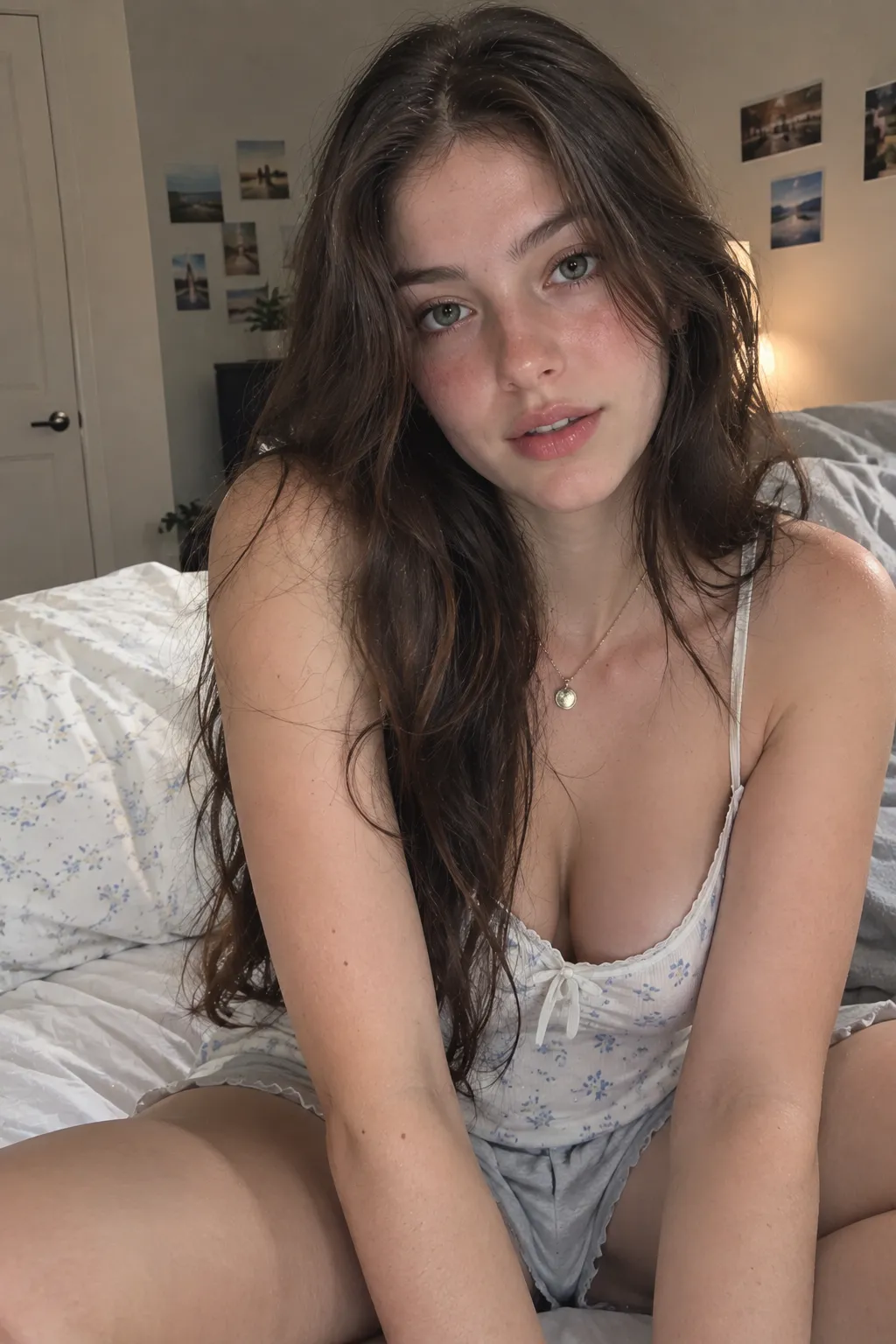
No LoRA
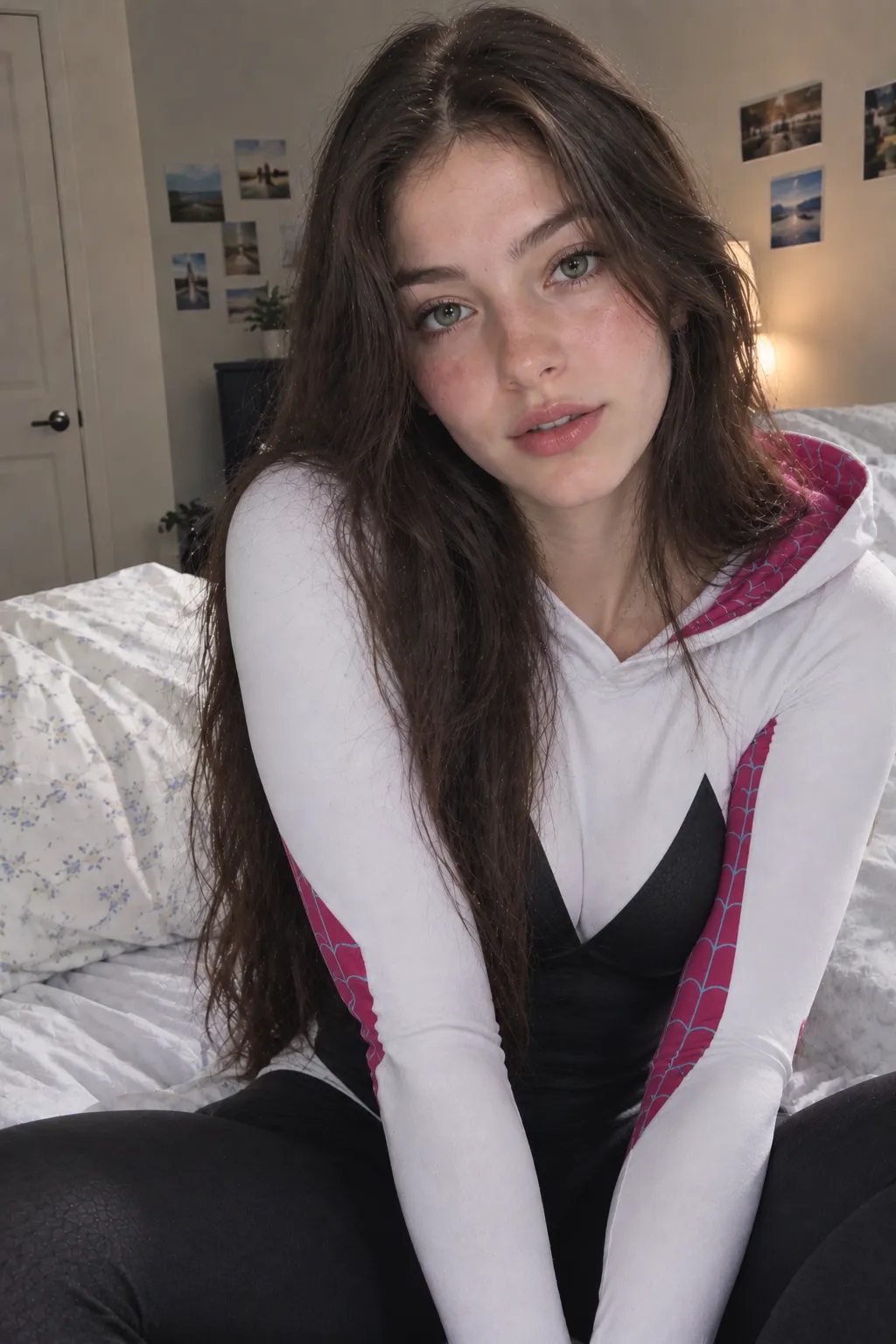
+ Character LoRA

+ Style LoRA
A Simple Way to Choose Your Civitai Red Model
When you're comparing several models, you don't need to test everything. Use this quick process:
- 1
Define your goal
Decide whether you want realistic, stylized, character-focused or cinematic results.
- 2
Check the base model
Note which base model each candidate is built on and which version you are looking at.
- 3
Study several examples
Look at multiple sample images and the generation data behind them, not just the cover image.
- 4
Check compatibility
Make sure any LoRA you plan to use was trained for that base model or a close derivative.
This gives you a much more reliable starting point than downloading several models and hoping one works.
Civitai Red or a Direct AI Generator?
Civitai Red and a direct AI generator take different approaches. On Civitai Red you choose the checkpoints and LoRAs yourself, then run them in its on-site generator or download them for a local setup. A direct generator handles more of the workflow for you.
Disclosure: we make AIGenerated.Porn, the direct generator in this comparison.
| Aspect | Civitai Red | AIGenerated.Porn |
|---|---|---|
| Models | Choose from a large catalog of community models | No model to pick; choose a Realistic or Anime style |
| LoRAs | Explore, combine and weight LoRAs | No LoRA management; you can't upload model or LoRA files |
| Where you generate | On-site generator, or download files to run locally | In your browser |
| Compatibility | You match LoRAs to the right base model | Handled for you |
| Controls | Experiment with model settings | Prompt, style, aspect ratio and number of images |
| Best for | Building your own generation workflow | Going from an idea to an image with less setup |
The better fit depends on how much control you want over the process. Civitai Red suits you when you want to explore models and customize your workflow. AIGenerated.Porn is a more direct path from idea to image.
What AIGenerated.Porn does
AIGenerated.Porn is an online NSFW generator that runs in your browser, so there is no local AI environment to set up. In the image generator you write a prompt, choose a Realistic or Anime style and pick an aspect ratio. The video generator turns a text prompt or an uploaded still into a short clip. You don't download models, configure software or manage LoRAs, which also means you can't bring your own checkpoints or Civitai LoRAs. Some options, such as extra aspect ratios and several images per prompt, are Premium features; the pricing page lists what the free tier covers.
Only upload images you own or have permission to use, never depict real people without their consent, and keep every character an adult.
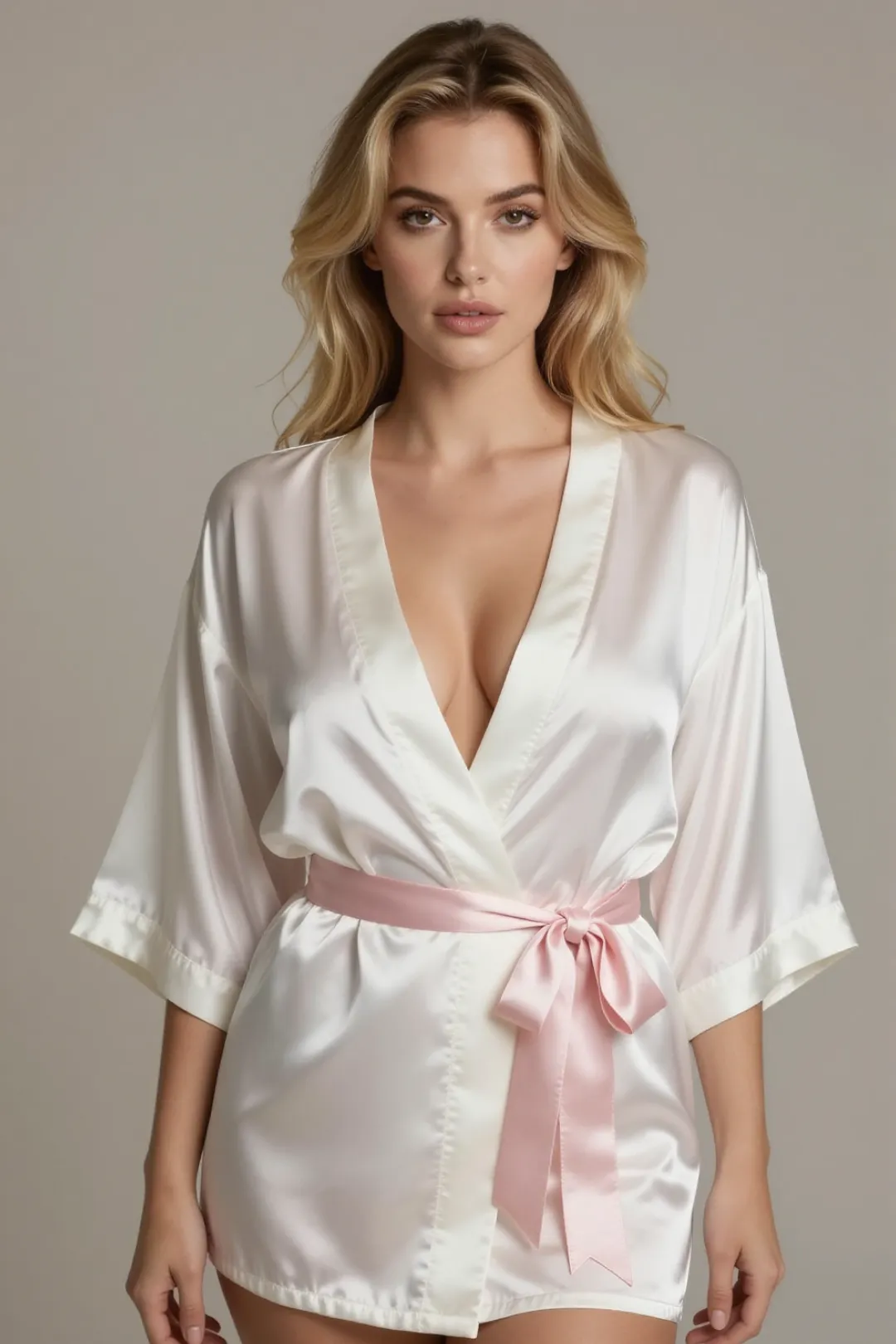
Portrait
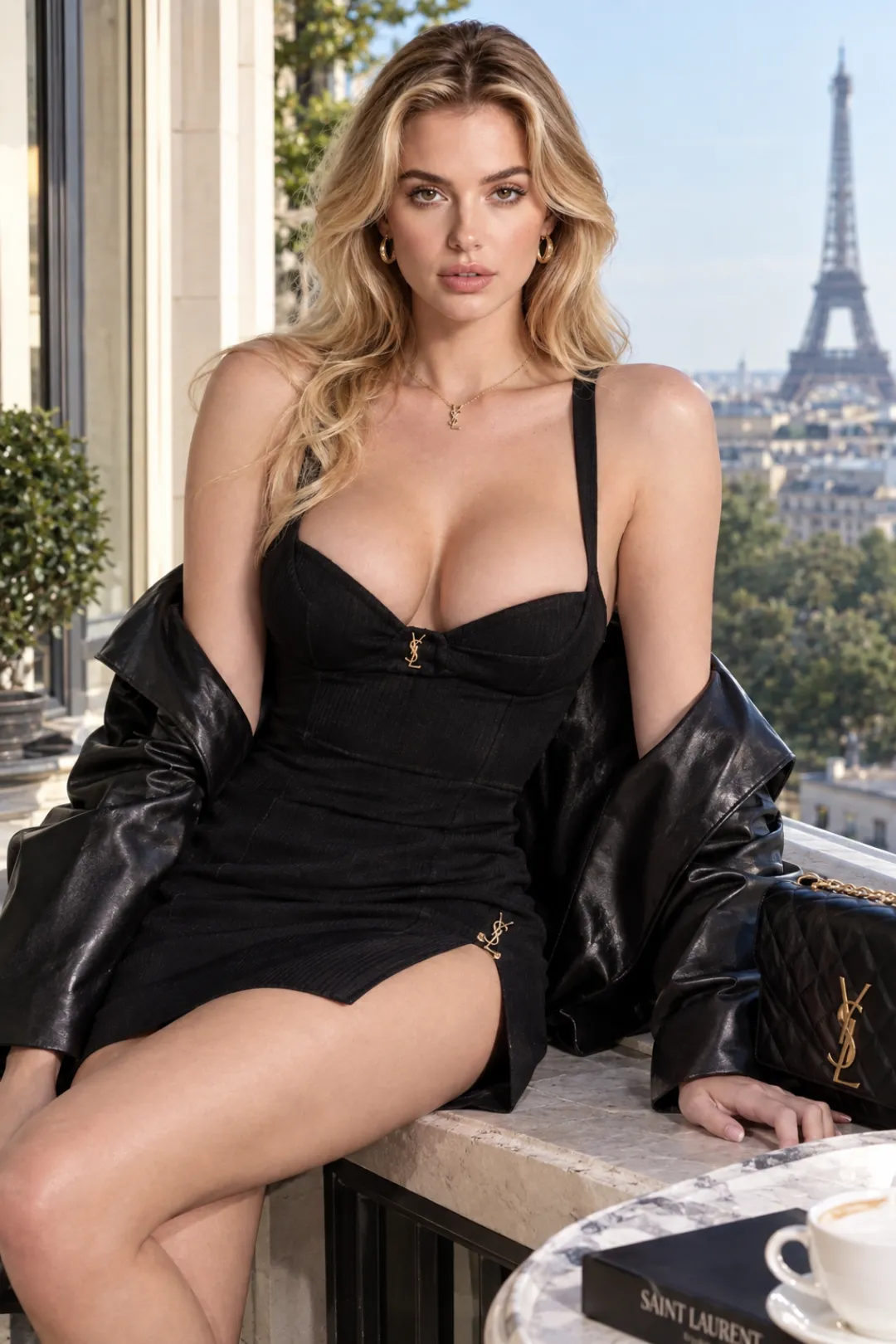
Fashion
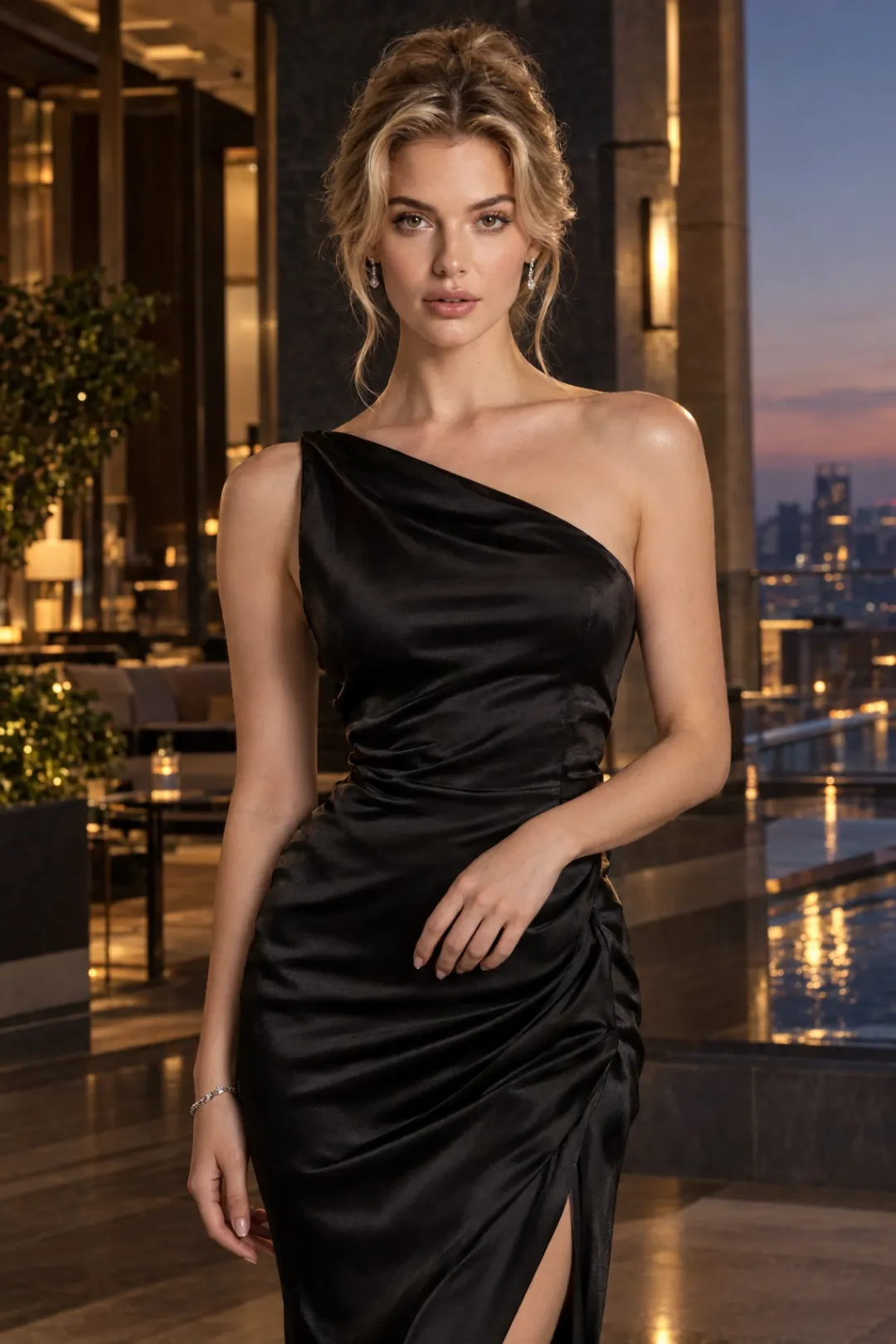
Cinematic
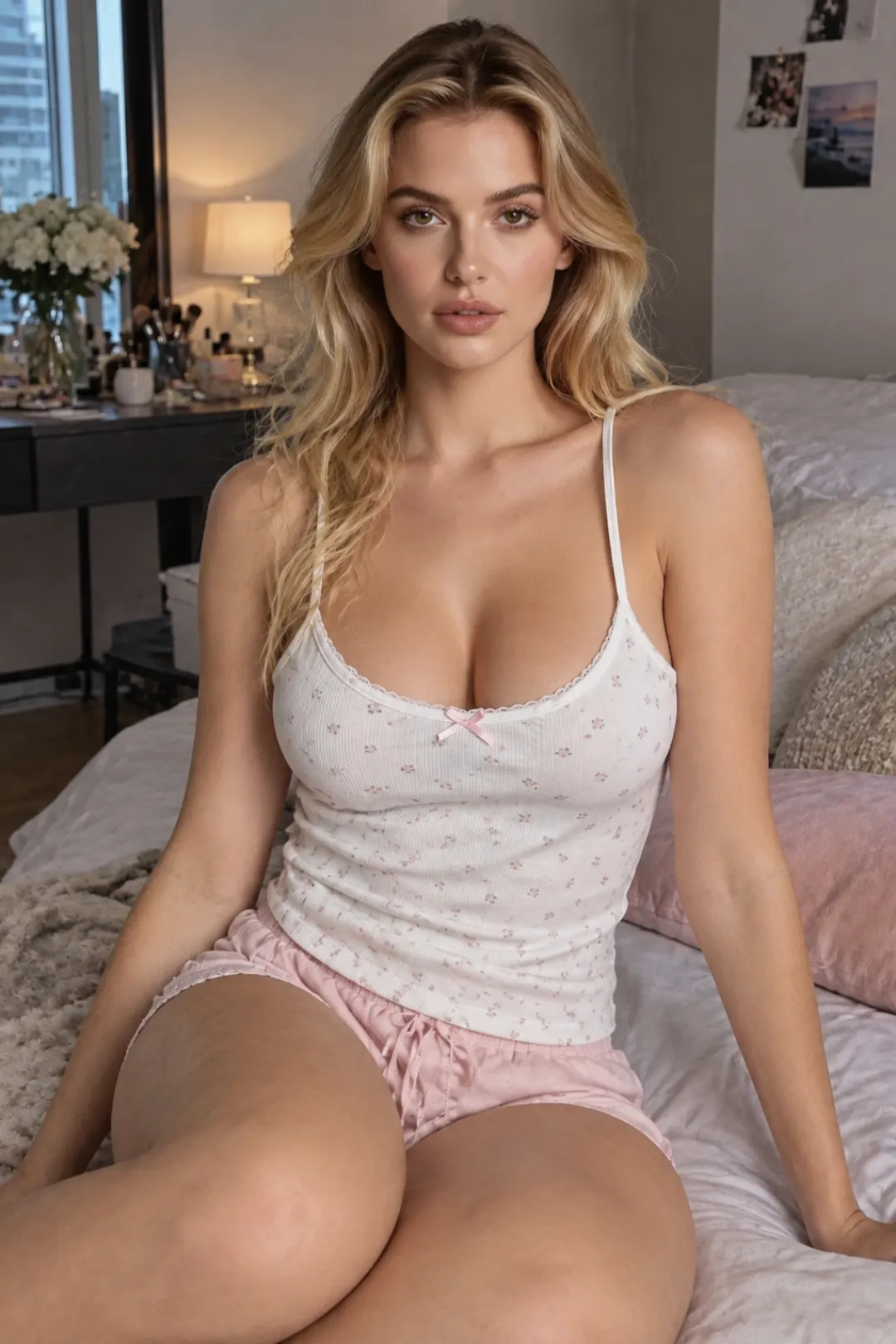
Lifestyle
Frequently Asked Questions
What is a Civitai Red model?
It is a trained AI resource shared on Civitai and browsed through civitai.red, the domain that shows the full catalog, including mature content for users who opt in. “Model” covers several resource types, such as checkpoints, LoRAs and textual inversions, and each is used as part of a generation workflow.
What is a Civitai LoRA?
A LoRA is a small trained resource applied on top of a base model during generation to add a more specific influence, such as a character, a style or a concept. Its weight controls how strongly it applies.
Can I use a Civitai LoRA with any model?
You can load a LoRA with other models, but it usually performs best with the model it was trained on or a derivative of that model. Check the base model listed on the LoRA page before combining them.
How do I choose an NSFW AI model on Civitai Red?
Start with the result you want to create. Then compare several sample images, the generation data behind them, the base model and LoRA compatibility, rather than choosing from a single thumbnail.
Do I need Civitai to generate NSFW AI?
No. Civitai Red has its own on-site generator and downloadable models for local setups, but it is not the only option. Browser-based generators such as AIGenerated.Porn offer a more direct workflow without managing models and LoRAs yourself.
Start Simple
Choosing a Civitai Red model is less about finding a single winner and more about matching a model to your goal.
Start simple: one base model, one compatible LoRA and a clear prompt, then change one thing at a time. If you would rather skip the model stack entirely, a direct generator gets you from idea to image with fewer decisions.
Prefer to skip the model stack?
Write a prompt, choose a style and generate in your browser.
Open the AI Porn Image GeneratorWant motion instead? Try the AI Porn Video Generator