Best Uncensored AI Generator in 2026: 3 Options for Adult Images and Video
Compare hosted generators, local workflows and model libraries by setup, control, privacy and usage rights.
The right AI generator depends on what you want to create and how much setup you are willing to handle. A hosted service can be easier to start with. A local workflow can give you more direct control over files and model choices. A model library helps you explore checkpoints and LoRAs, but it is not the same thing as a generator.
This guide compares those three paths so you can choose a workflow for adult-oriented images or video. It is not a hands-on ranking: features, policies, and licenses change, and each option has different limits. Before you upload a reference, download a model, or publish an output, check the current rules that apply to that specific service, model, and asset.

Quick comparison
| Path | Best suited to | What to check |
|---|---|---|
| Hosted generator | Starting in a browser | Available modes, plan limits, processing and terms |
| Local workflow | Managing models and files yourself | Hardware, extensions, licenses and remote connections |
| Model library | Finding checkpoints and LoRAs | Base-model compatibility, permissions and where generation runs |
These are different categories, not a universal ranking. A model library can include generation features, and a local application may connect to cloud services. Check the current details before treating any option as private, unrestricted, or suitable for commercial work.
What does “uncensored” mean?
“Uncensored” is a marketing and search term, not a single technical standard. One service may permit some adult themes while restricting other prompts. A model may support a broader range of outputs than the service that hosts it. A locally run workflow may avoid sending some inputs to a hosted generator, but that depends on the software, extensions, models, and services actually used.
Look at three separate layers:
- Model capability: what the model can generate and what its license allows.
- Platform policy: what a website or hosted service permits people to create, upload, or share.
- Your intended use: whether you have rights and consent for the inputs and whether distribution is lawful where you are.
A permissive label alone does not establish privacy, commercial rights, support for video, or permission to use a real person’s likeness.
1. Hosted generators: a simpler place to start
A hosted generator may suit you if you want to work in a browser and do not want to install checkpoints or assemble a node workflow. Depending on the product, you may be able to start from a text prompt, animate a still image, or provide visual references.
Check the exact modes and limits before choosing a service. Plans can differ in output settings, daily or monthly usage, video length, reference inputs, and access to particular models. A feature listed on a pricing page may also be provided by a partner service or processed outside the main product.
Privacy and usage rights need their own check. Read the service’s current privacy policy and terms to understand how prompts and uploaded files are processed, how long they are retained, and whether personal or commercial use is allowed. Do not upload private or identifying material unless you have the rights to use it and understand the service’s current policy.
May fit you if: you value a straightforward browser workflow and the service’s current modes and terms match your needs.
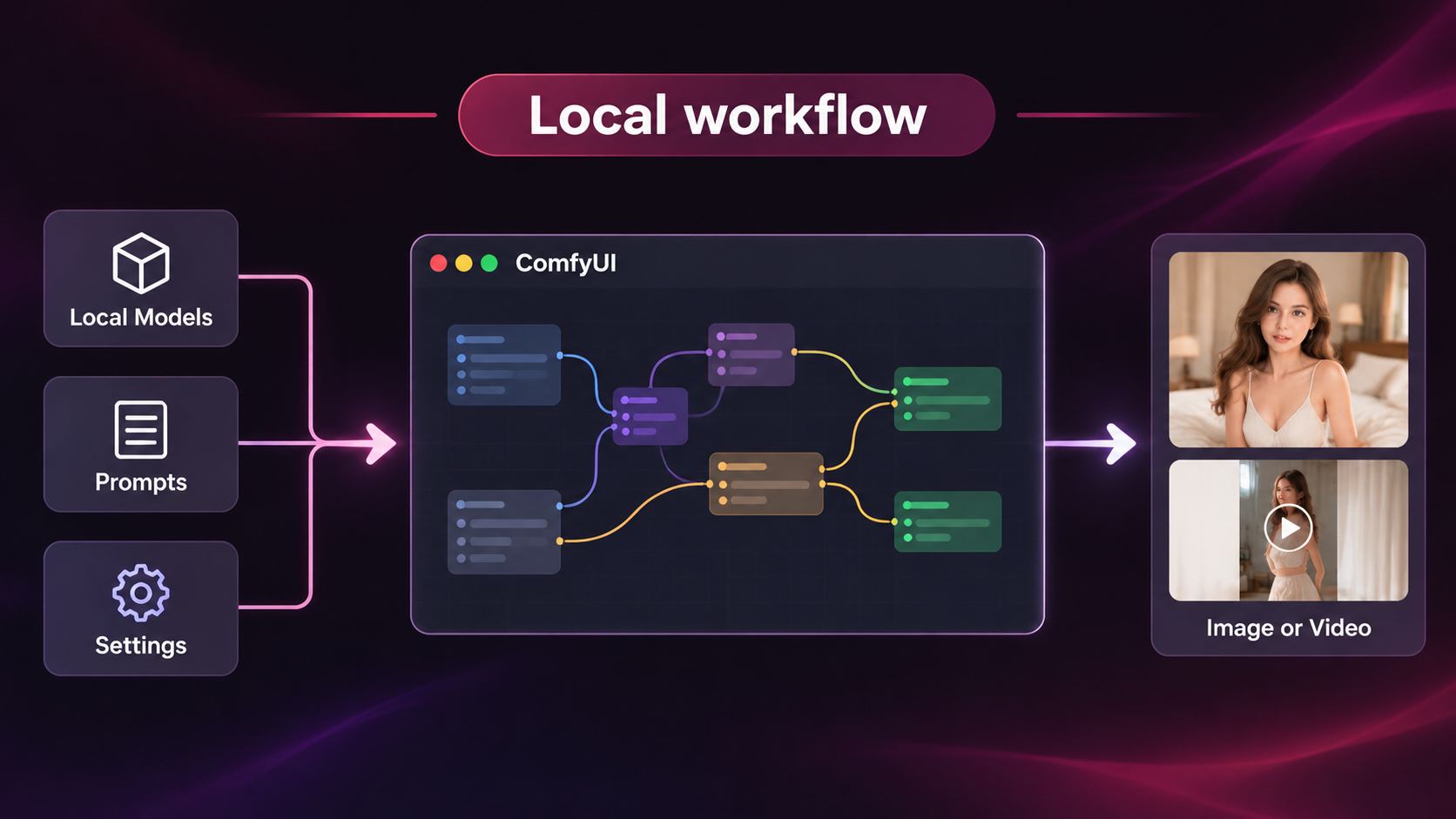
2. Local workflows: more setup and configuration — ComfyUI
Workflow software such as ComfyUI lets users connect nodes and run compatible models. A local setup can provide direct control over installed files, model choices, and workflow settings. What it can generate depends on the models and extensions you choose, not on the workflow software alone.
Expect setup work. You may need compatible hardware, storage, model files, and time to learn how a workflow is assembled. Check each model’s license and the requirements of every extension you use. Also distinguish a local installation from cloud or partner services: if any step sends prompts, images, or outputs to a remote service, that step is not local.
May fit you if: you are comfortable configuring software and want to manage model and file choices yourself.
3. Model libraries: discover models and LoRAs — Civitai
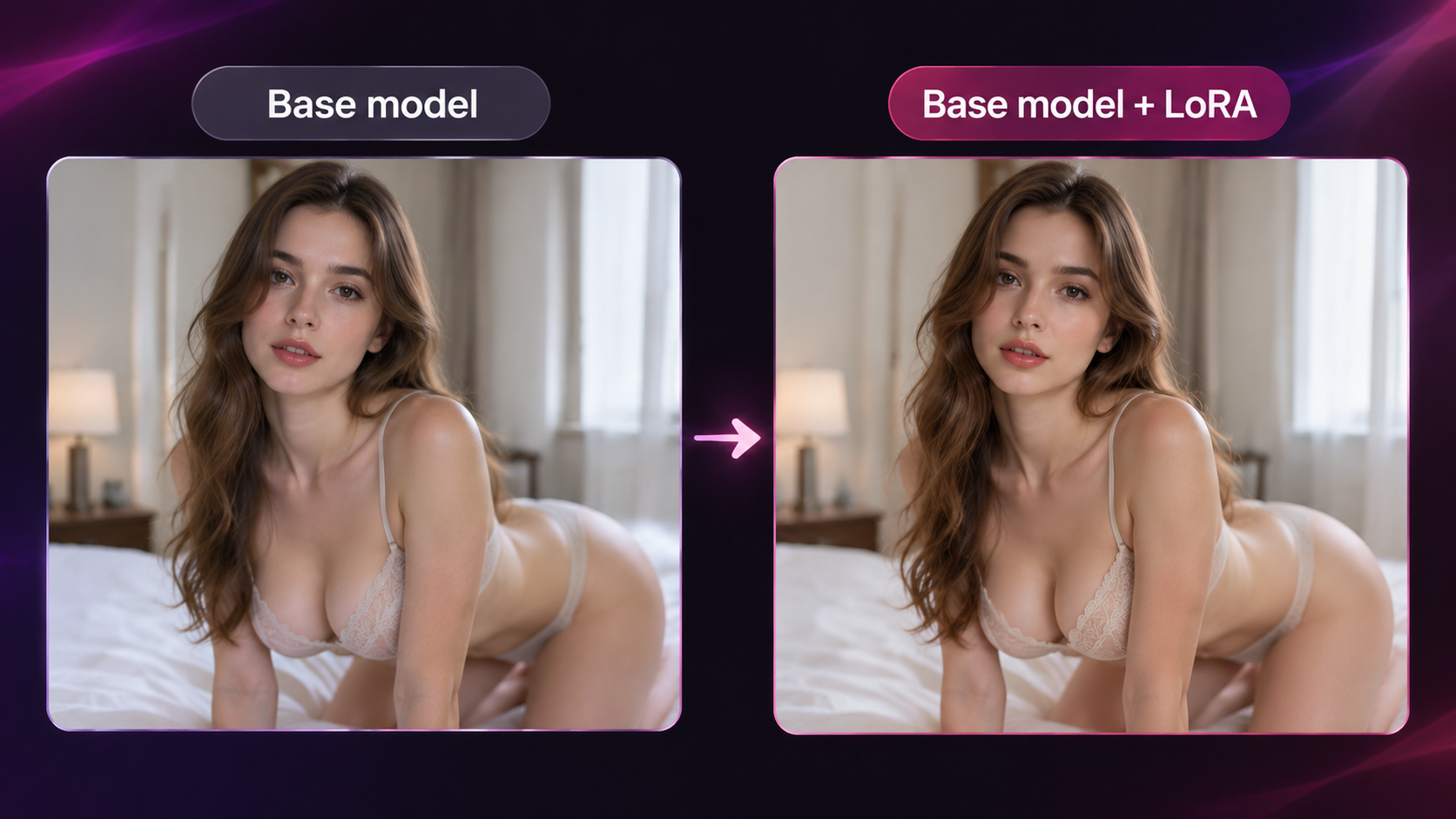
A model library can help you explore checkpoints and LoRAs made for different visual styles. A LoRA is an add-on used with a compatible base model; compatibility and results vary. A library is not necessarily just a download directory, so check which features run on the platform and which require a separate local workflow.
Before using a model, review its example images, base-model requirements, creator notes, and license. Platform rules still apply to activity on the platform, while a downloaded file may have additional license terms. An “NSFW” label does not by itself mean that every prompt or form of distribution is permitted.
May fit you if: comparing community models is part of your process and you are willing to check compatibility and permissions.
How to choose a workflow
Start with the task rather than the “uncensored” label:
- Choose a hosted service when you want a browser-based workflow and its current terms fit your use.
- Consider local software when you can manage installation, hardware, model licenses, and workflow setup.
- Browse a model library when you want to compare checkpoints or LoRAs, then confirm how and where you will run them.
If you are unsure, try a small, non-sensitive test before paying for a plan or building a large workflow. Check output quality for your own task, usage limits, upload handling, model compatibility, and rights for any input or output you plan to share.
Use adult AI tools responsibly
Use adult-generation tools only if you are an adult. Never create sexual content involving a minor, someone presented as a minor, or a person whose age is unclear. Do not use a real person’s face, body, or private image to create intimate content without that person’s informed consent for the specific creation and intended distribution. Follow applicable law and the rules of the service and model you use.
Permission to generate an image does not automatically give you permission to publish, sell, or use it in advertising. Check the rights for reference images, models, and LoRAs, as well as the terms attached to the generator.
Official sources and scope
Checked on November 3, 2026: our pricing page lists image generation, text-to-video and image-to-video in Free, and reference-to-video among partner-powered Premium features. This is the published plan description, not a generation test. Our privacy policy describes backend processing and necessary retention; do not infer immediate deletion. Our terms require written permission for commercial use. ComfyUI documents local and hosted deployments and partner model access. Civitai’s official model guide explains checkpoints and LoRAs; its current platform terms could not be verified here, so this article makes no claim that Civitai permits a particular adult use. Review the current platform rules and each selected model license.
Frequently asked questions
What is the best uncensored AI generator for beginners?
There is no single best option for everyone. A hosted service may be easier to start with; local workflows require more setup, while model libraries are useful for discovery. Compare the current features, policies, and costs against the task you want to do.
Can one AI generator make both images and videos?
Some products offer both, but availability can depend on the model, plan, and input mode. Check the current feature list and terms for the specific service before relying on a particular workflow.
Is a local AI workflow completely private?
Not automatically. A workflow may run locally while an extension, model download, account feature, or optional cloud service connects to a remote provider. Check every part of the setup and avoid sensitive inputs unless you understand where they are processed.
Can I use generated adult content commercially?
It depends on the generator’s terms, the model license, reference-asset rights, and applicable law. A paid plan does not automatically grant commercial rights. Check each relevant license and policy before publishing or selling an output.
Can I use a real person’s photo to make adult content?
Only with the person’s informed consent for the specific creation and its intended distribution, and when the tools and applicable law permit it. Never use an image of a minor or someone whose age is unclear. When you do not have explicit permission, use a fictional adult character.
Choose the workflow that fits your needs
A hosted generator, local workflow, and model library solve different parts of the creative process. Compare the setup, control, policies, and rights that matter for your intended use. If you are considering AIGenerated.Porn, review its current features, privacy policy, and terms before uploading material or relying on a plan.
This article is published by AIGenerated.Porn and discusses our own service. It is not an independent product ranking.